Streaming Tips
How to Run Private Family Livestreams for Away Games
April 27, 2026
A privacy-first setup for teams that want controlled access without technical headaches.
Away games often have tighter filming policies and mixed audiences. Private streams let teams support families remotely while controlling who can view the broadcast.
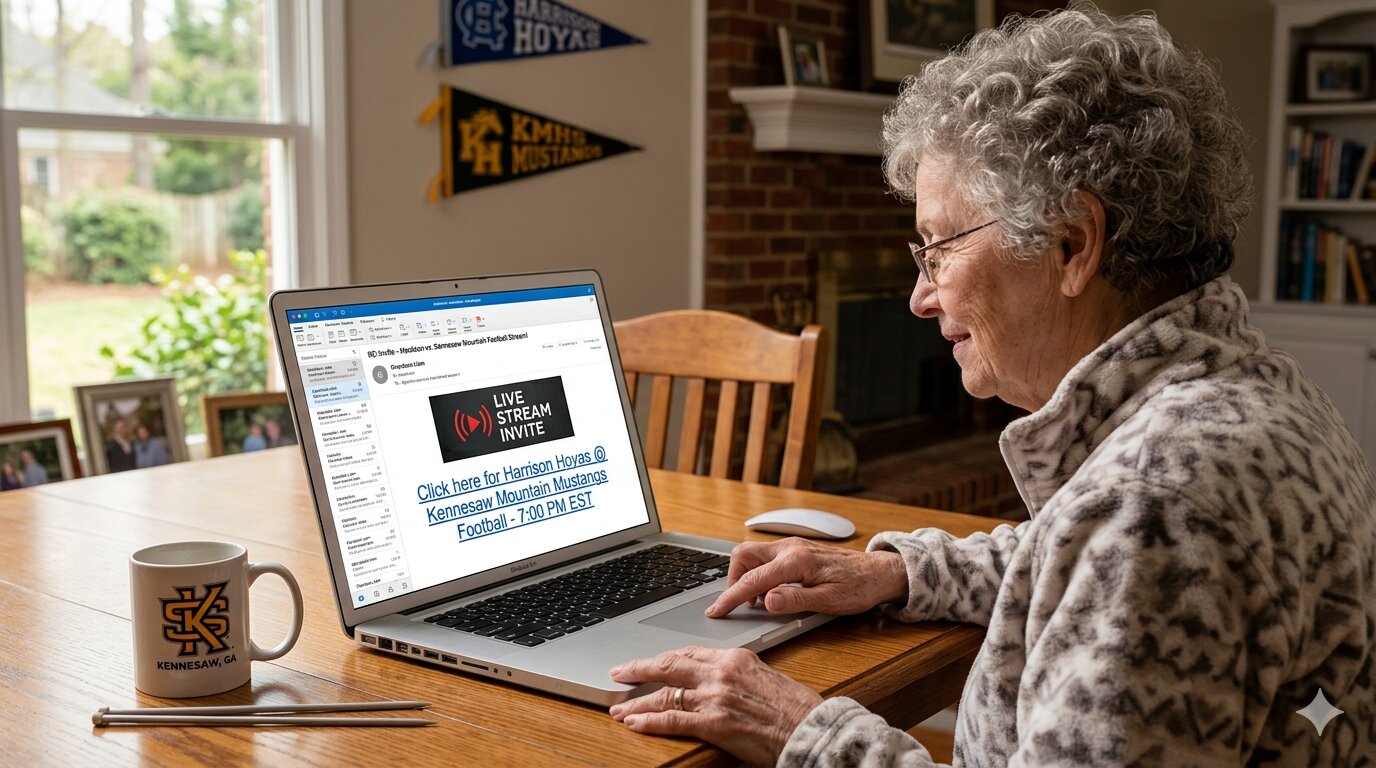
Private stream checklist
- Set event visibility to private before sharing the link
- Distribute access only through team channels and parent groups
- Post start time and expected end time clearly
- Assign one contact for access issues during the first quarter
“Clear distribution beats broad distribution for private events.”
Send reminders in two waves: one the night before and one 30 minutes before game time. This reduces urgent support messages once play begins.
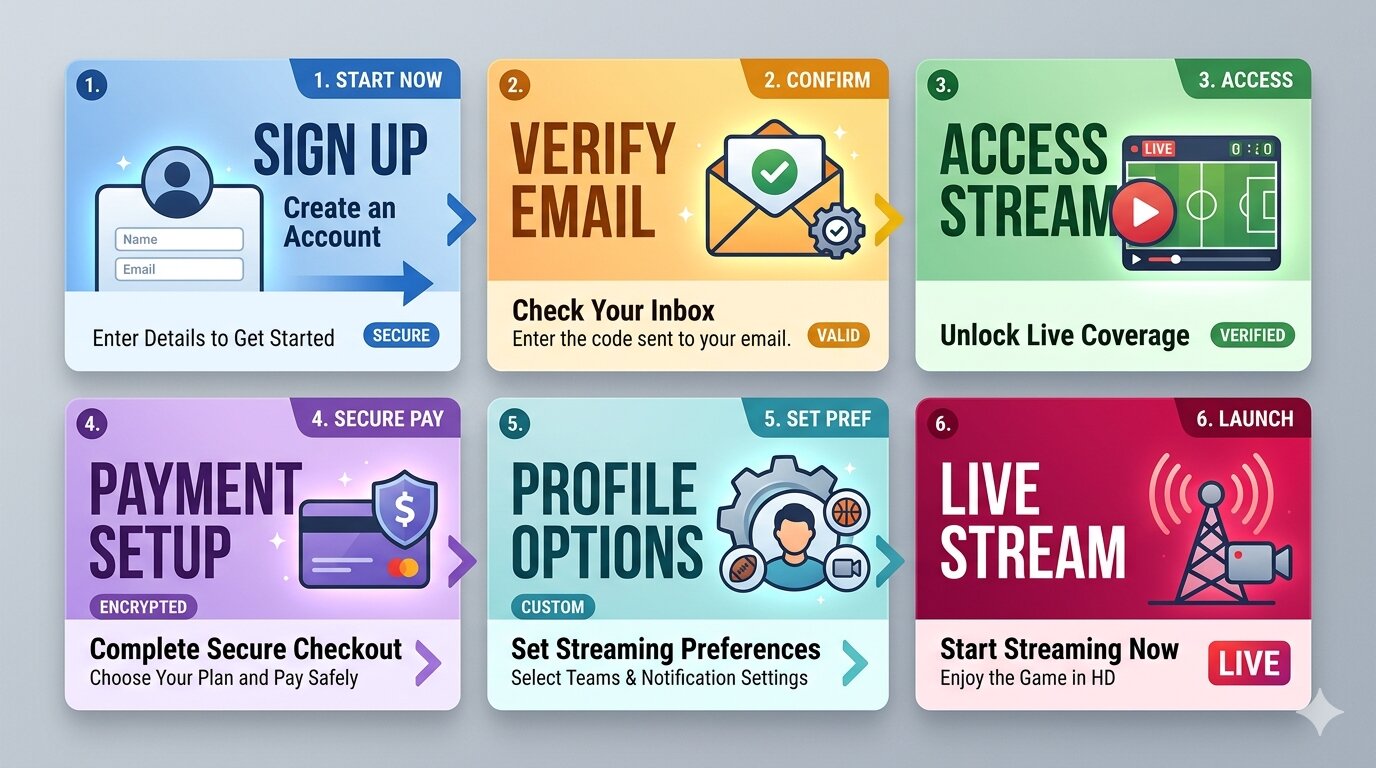
After the game, gather feedback from families on access and quality so each away stream gets smoother. You can manage upcoming links and settings from your event workspace.