Streaming Tips
How to Improve Livestream Audio for School Games
April 27, 2026
Simple audio upgrades that make your stream feel dramatically more professional on a budget.
Bad audio ends streams faster than average video. Families can tolerate shaky camera moments, but they leave quickly when sound is distorted or impossible to understand.
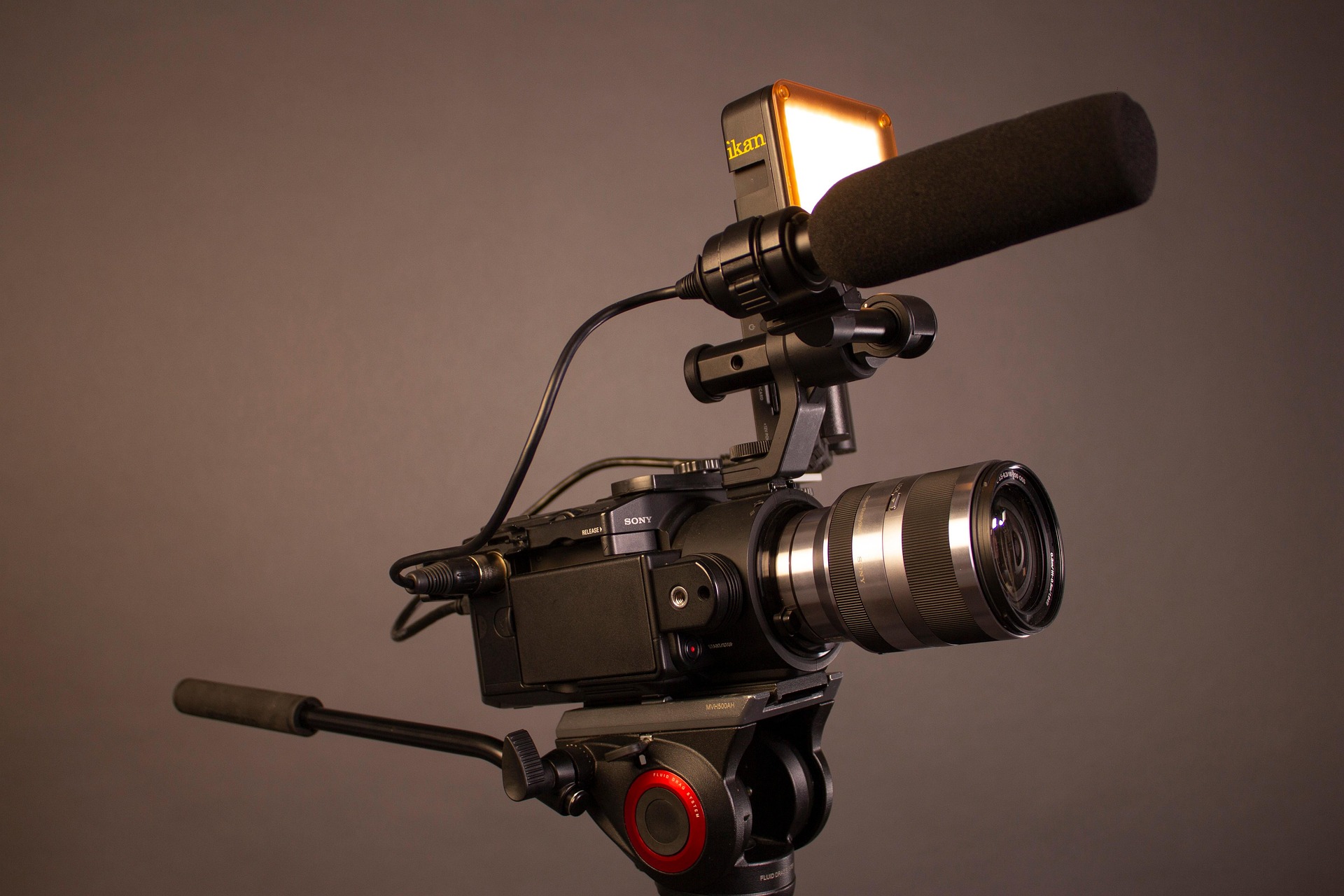
Low-cost audio upgrades that matter
- Use a wired lav or shotgun mic instead of built-in phone audio
- Add a foam windscreen for outdoor football and soccer
- Keep commentary mics pointed away from speaker stacks
- Monitor with earbuds for 60 seconds before going live
“Clear voices and crowd texture make viewers stay longer.”
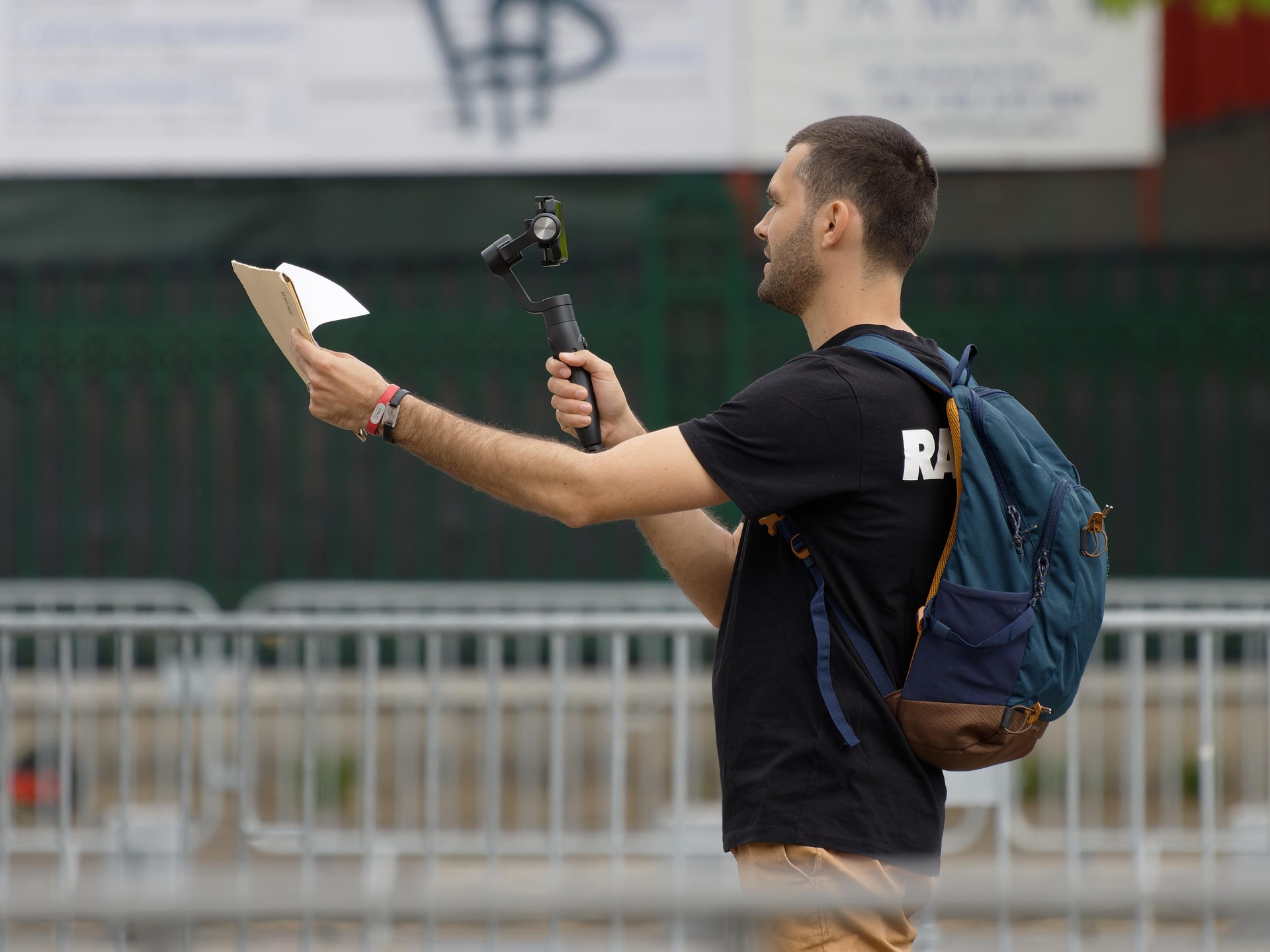
Positioning and level checks
Set levels during the loudest pregame moment, not during warmup silence. That gives you a realistic ceiling and reduces clipping once the gym fills up.
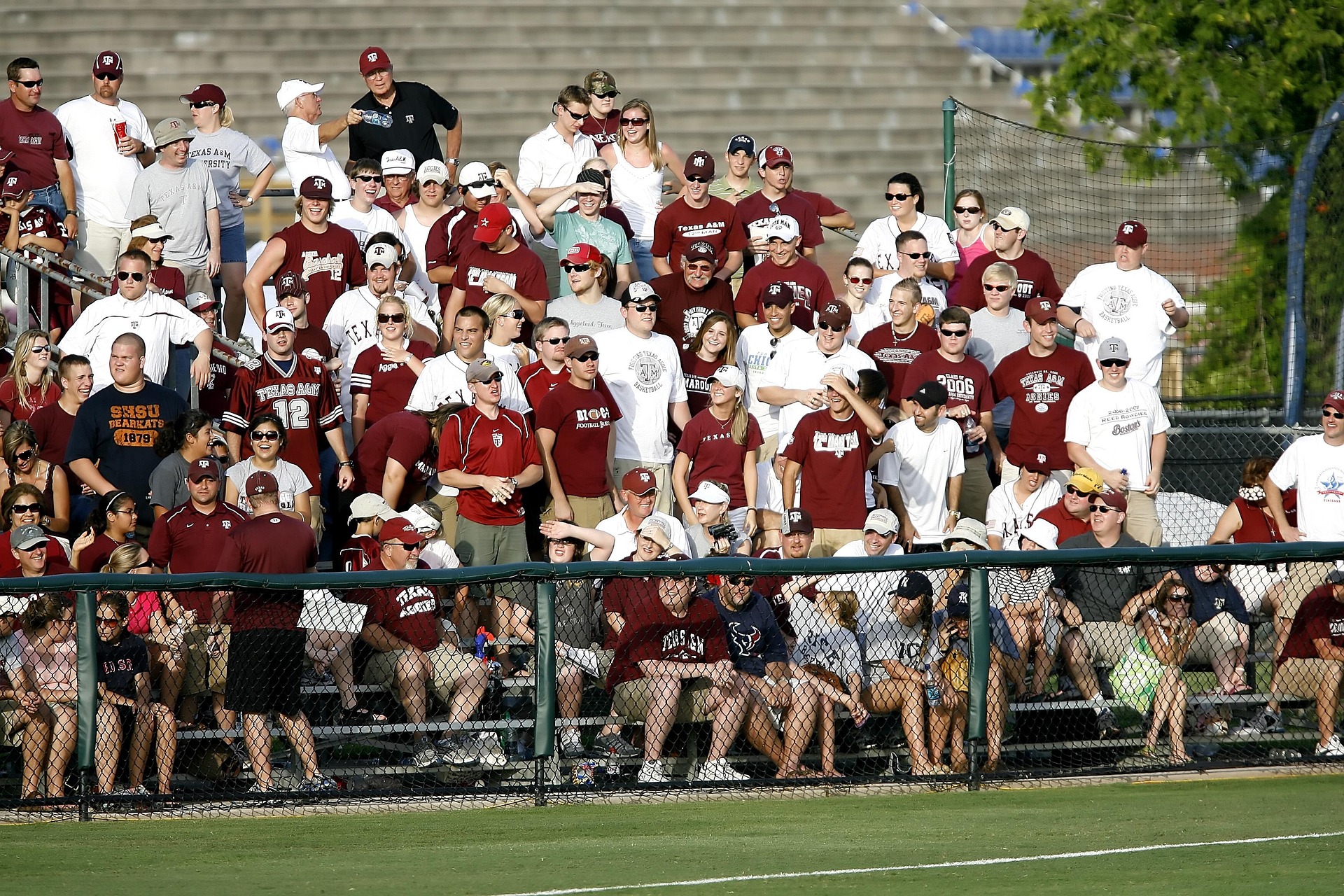
Once audio is stable, your whole event feels more trustworthy, which can improve retention and repeat purchases for future games listed on your events page.