High School Basketball
Basketball Senior Night Livestream Checklist
April 27, 2026
A step-by-step run of show so families never miss introductions, tributes, and key moments.
Senior Night is usually the most emotional home game of the season, and livestream viewers care about introductions just as much as tip-off. Your stream plan should prioritize both ceremony and gameplay.
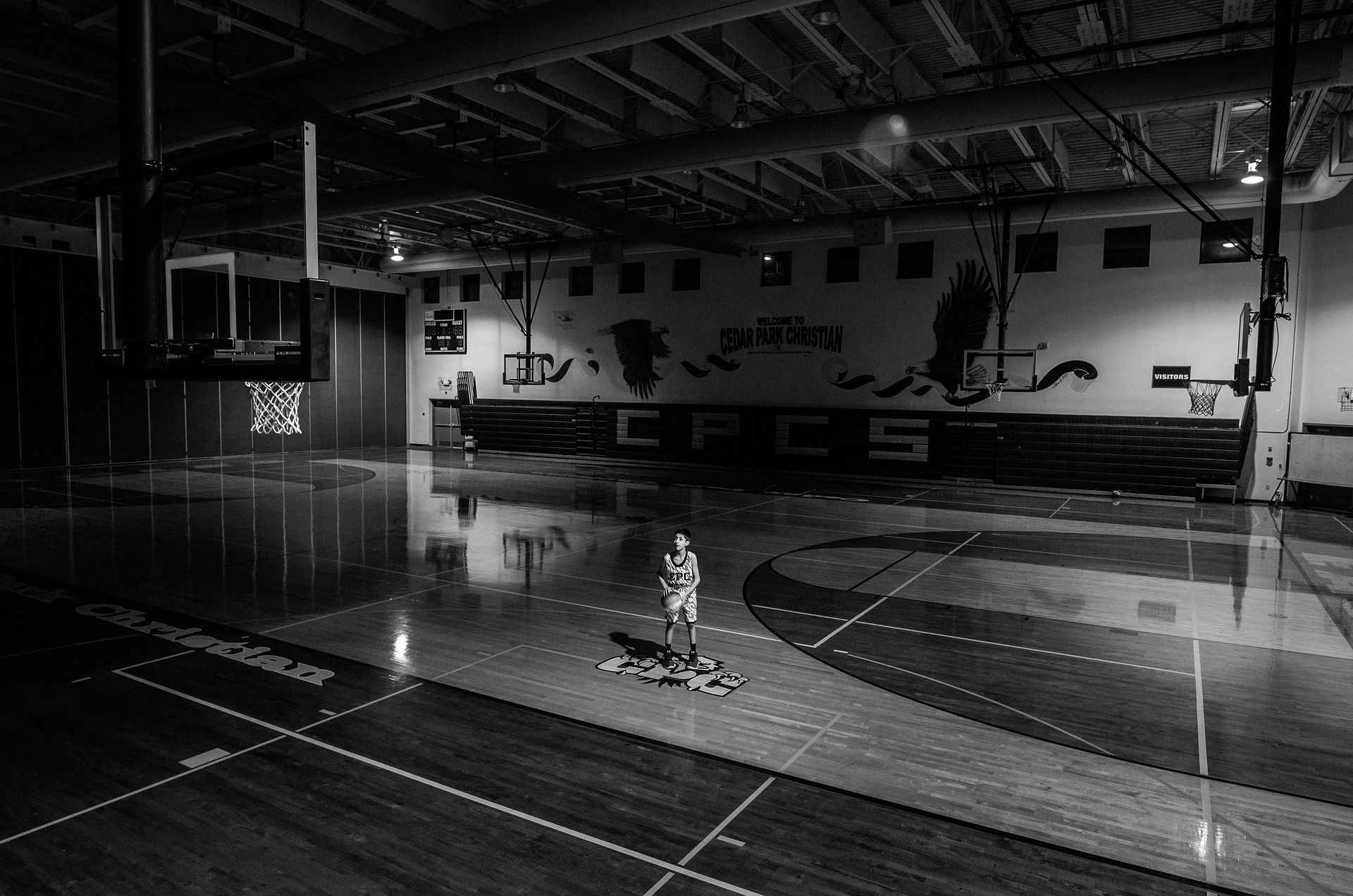
Pregame timing checklist
- Go live 20 minutes early for warmups and audio checks
- Keep one person assigned to player intro timing
- Prepare name cards or lower-third graphics in advance
- Pin where families can buy or access the stream link
“Families remember whether introductions were captured clearly.”

During introductions and tributes
Hold shots a little longer than usual so remote viewers can see reactions. These moments become shareable clips and help next season's families understand the value of following your channel.

After the game, post your next home date with a soft CTA so supporters can follow upcoming events and stay in the loop.