Athlete Exposure
How to Build Athlete Highlight Reels from Full Game Streams
April 27, 2026
A repeatable process for turning livestream archives into short clips coaches and recruiters can review quickly.
Full-game footage is valuable, but most coaches start with short clips. A structured clipping workflow helps athletes present context and consistency, not just one lucky play.
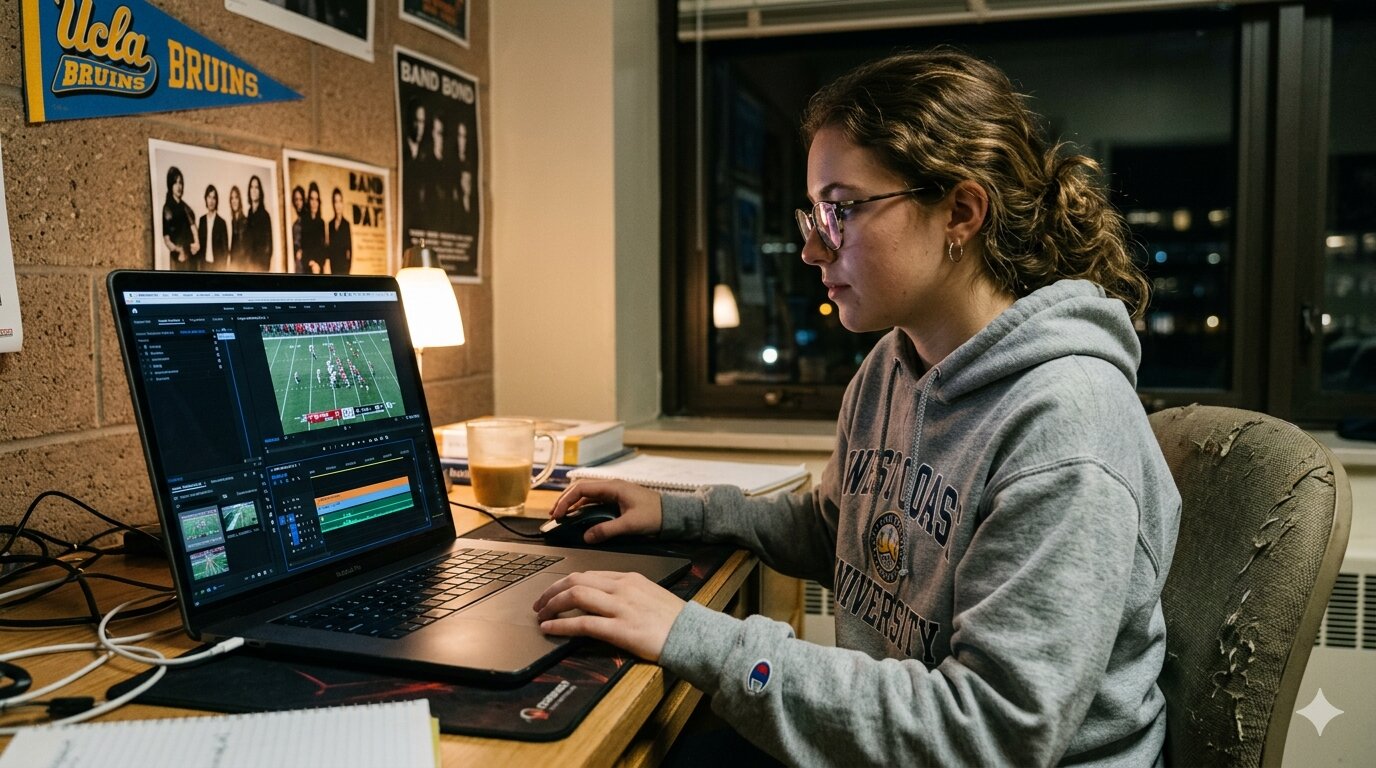
Clip structure that works
- Open with athlete name, number, class year, and position
- Use 6-12 clips that show different in-game situations
- Keep total runtime between 2 and 4 minutes
- End with links to full-game streams for deeper evaluation
“Short clips earn attention; full games earn trust.”
Tag timestamps right after each game while details are fresh. Waiting until end of season usually means missed context and slower publishing.
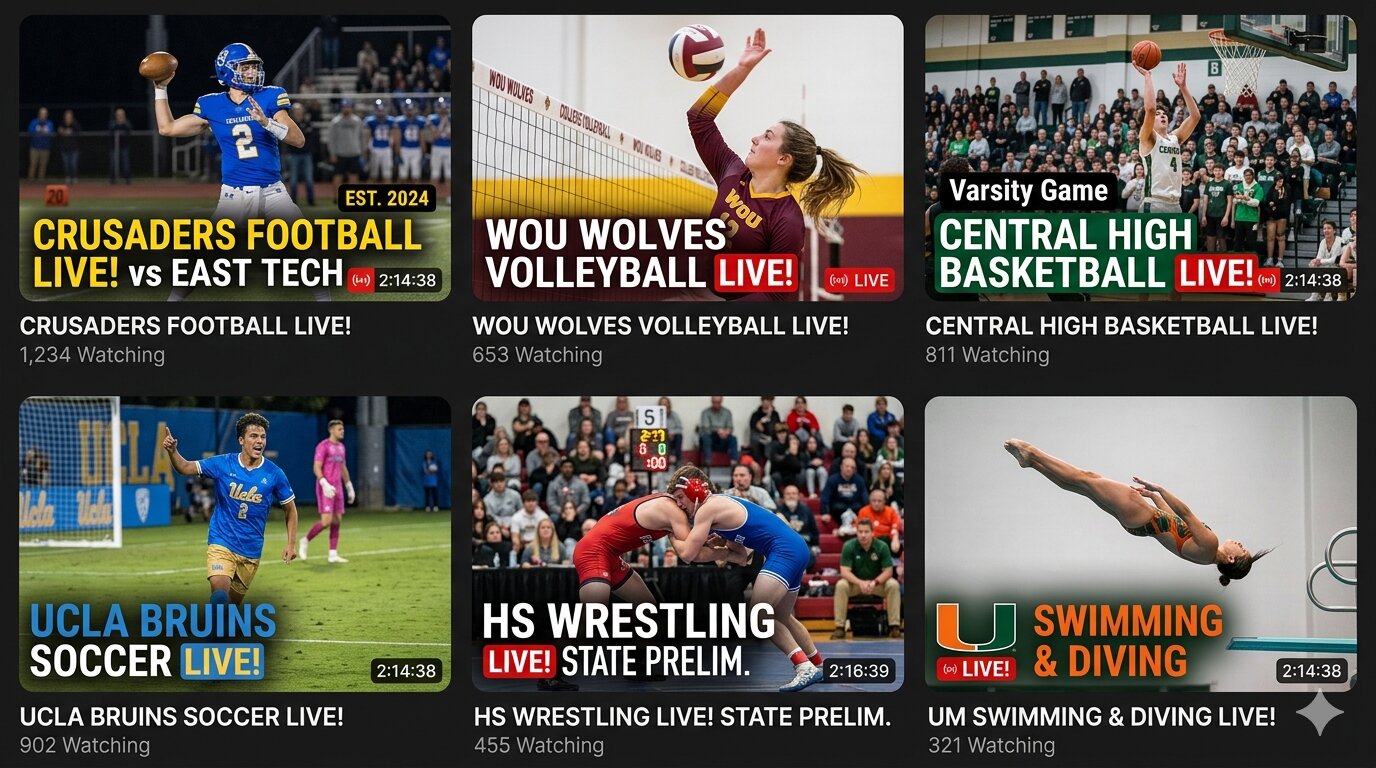
For discovery, pair each clip with a one-line caption about opponent quality or game situation. Subtle context can make the same play far more meaningful.
If your program is new to this, start by posting one weekly recap and linking back to all events so scouts can verify performance across full games.